Your Dashboard. Your Rules.
Drag, resize, and group the widgets you actually check into a layout that matches how you think — then save it and switch between layouts with one click.
Cancel anytime. Your data stays intact.
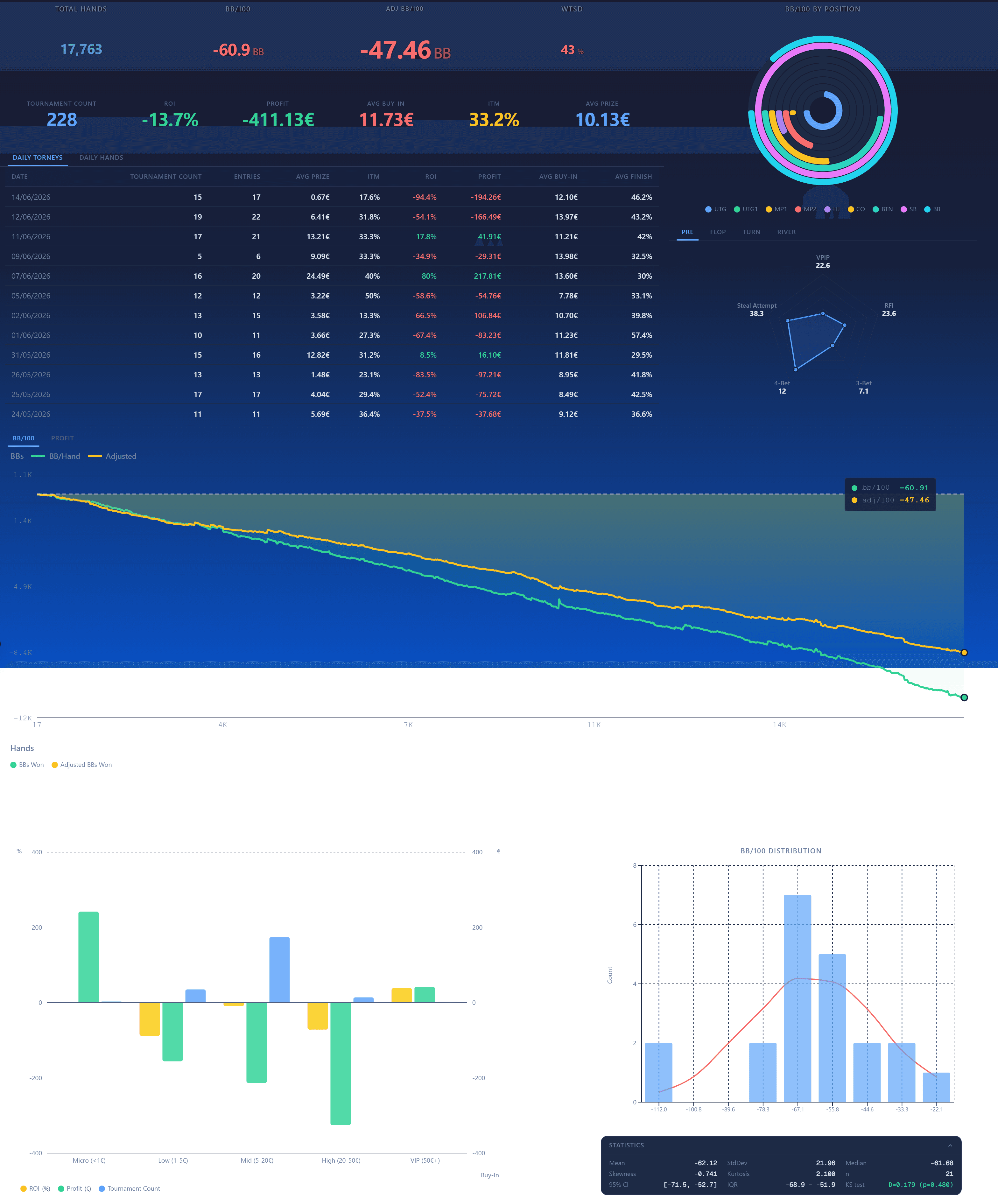
A dashboard that works the way you do.
Drag-and-drop widgets
Grab any widget and drop it where you want it. The grid snaps everything into place.
Resize to fit
Make the profit chart wide, shrink a stat tile. Every widget scales to the space you give it.
Save your layouts
Name a layout and keep it. Build one for cash review, one for MTT prep, one for a quick glance.
Switch in one click
Jump between saved layouts instantly. The right view for the right moment, no rebuilding.
Pick what matters
Profit charts, ROI / ITM trackers, stat tiles, trend lines — choose only the widgets you use.
Distraction-free
Drop the stats you never look at. A clean board beats a wall of numbers you ignore.
For example
You study cash and MTTs differently. So you build two layouts. The cash board leads with positional VPIP/PFR and a big profit chart. The MTT board swaps in ROI, ITM%, and bubble-stage aggression. One dropdown switches between them — no scrolling, no clutter, just the view that fits the session you're reviewing.
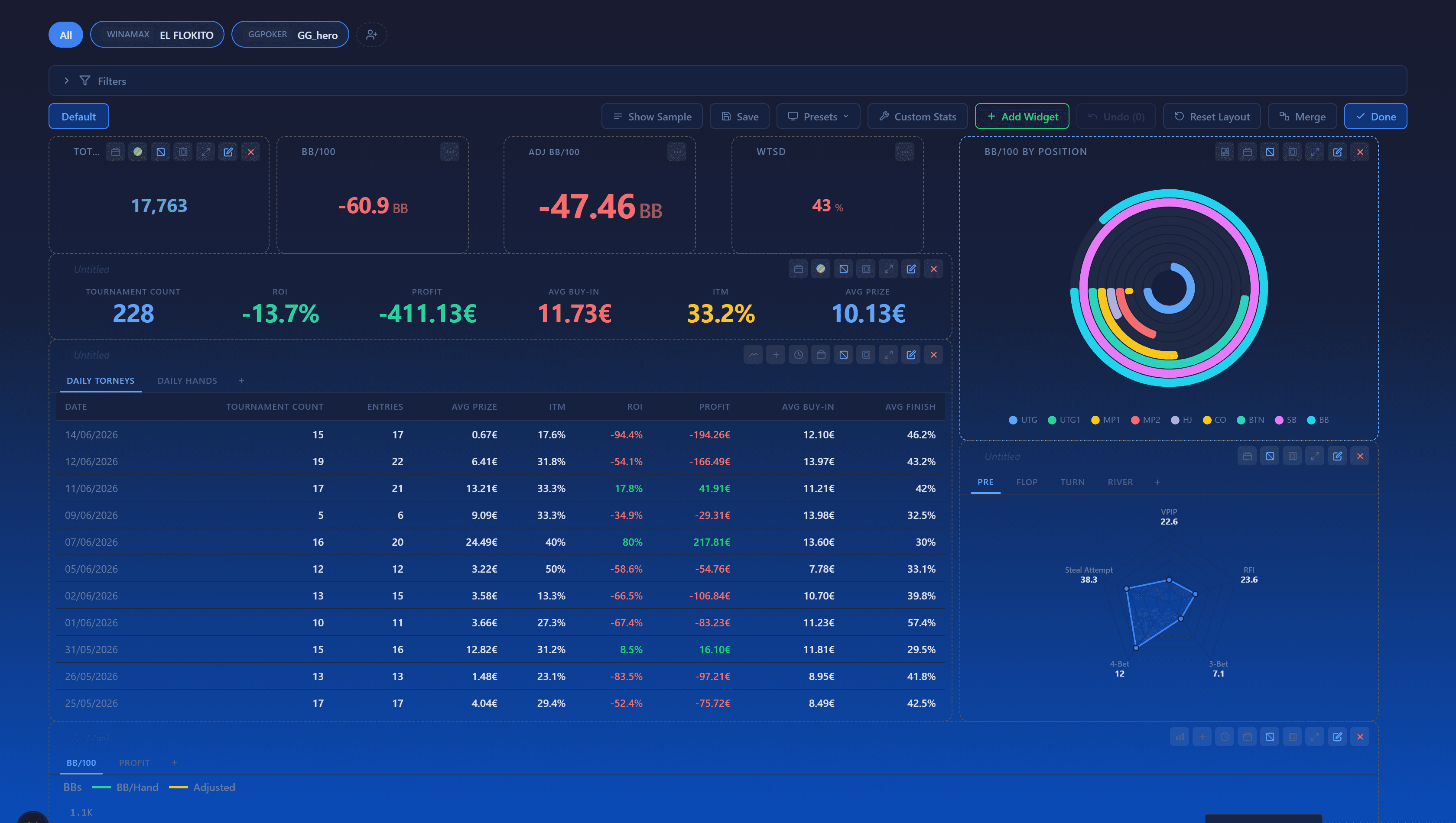
From blank grid to your board in three steps.
Add widgets
Pick from profit charts, stat tiles, ROI / ITM trackers, and trend lines. Add as many as you need.
Arrange and resize
Drag widgets into position and resize them until the board reads the way you think.
Save and switch
Name the layout and save it. Build as many as you like and switch between them in one click.
Related features
Questions
Build the board that fits your game.
Arrange your stats your way and switch layouts in one click.